
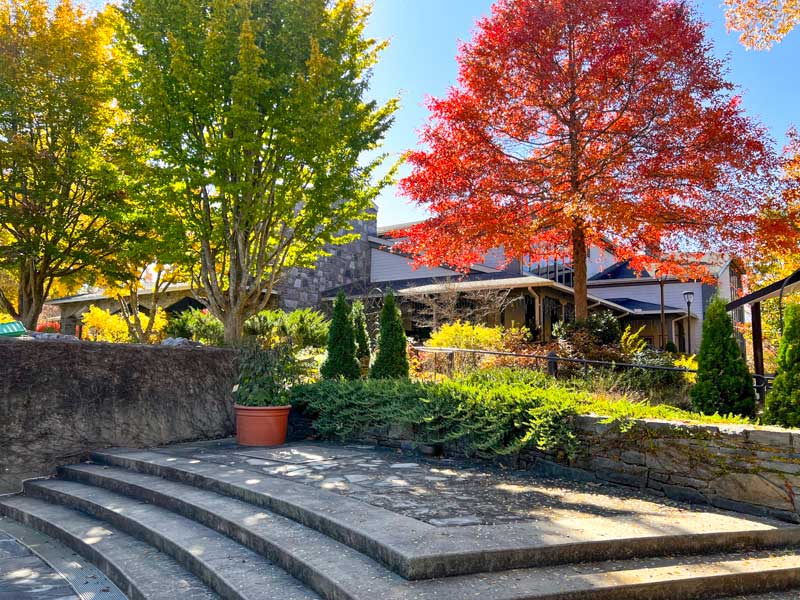
Homeowners often wait until the holidays are close before noticing problems with their technology. The WiFi struggles when guests arrive. The living room lighting feels too bright. Music does not play evenly throughout the home. The television requires several remotes, and no one remembers which input to select.
October provides an opportunity to address these issues before holiday schedules become crowded.
It is a good time to ask:
-Can guests operate the television without assistance?
-Is the dining room lighting comfortable for entertaining?
-Can music play in the kitchen, living room, and patio?
-Do shades need to be adjusted manually throughout the day?
-Does WiFi work in guest rooms and outdoor areas?
-Can several systems be controlled from one interface?
-Are wires, speakers, and components integrated cleanly?
A professionally designed system addresses the way the entire home functions, not just the performanceof individual devices.
Create the Right Atmosphere With Smart Lighting
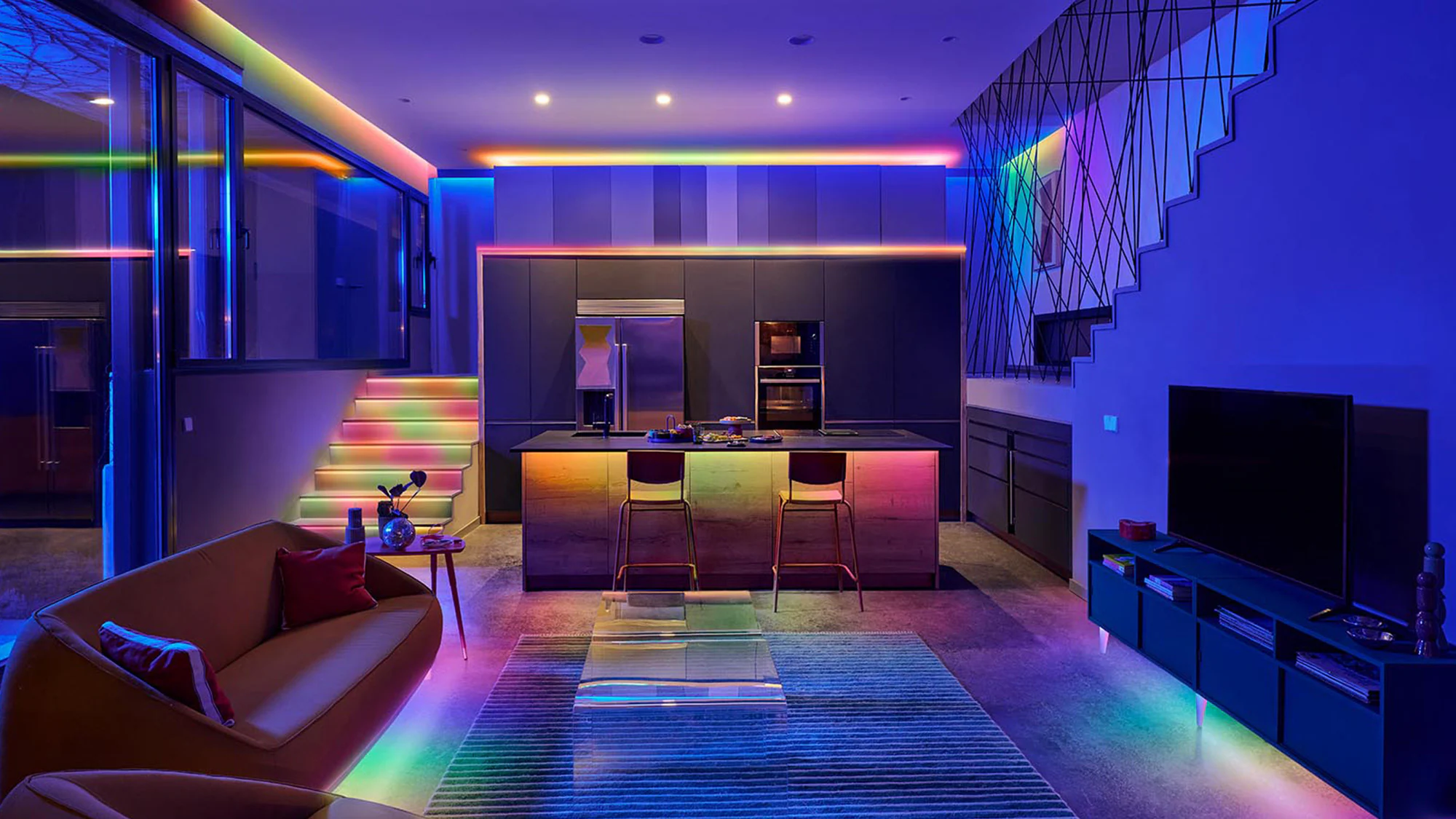
Lighting has a major influence on how a room looks and functions. A single room may need bright light for cleaning, focused light for reading, softer light for dinner, and low-level lighting for a movie.
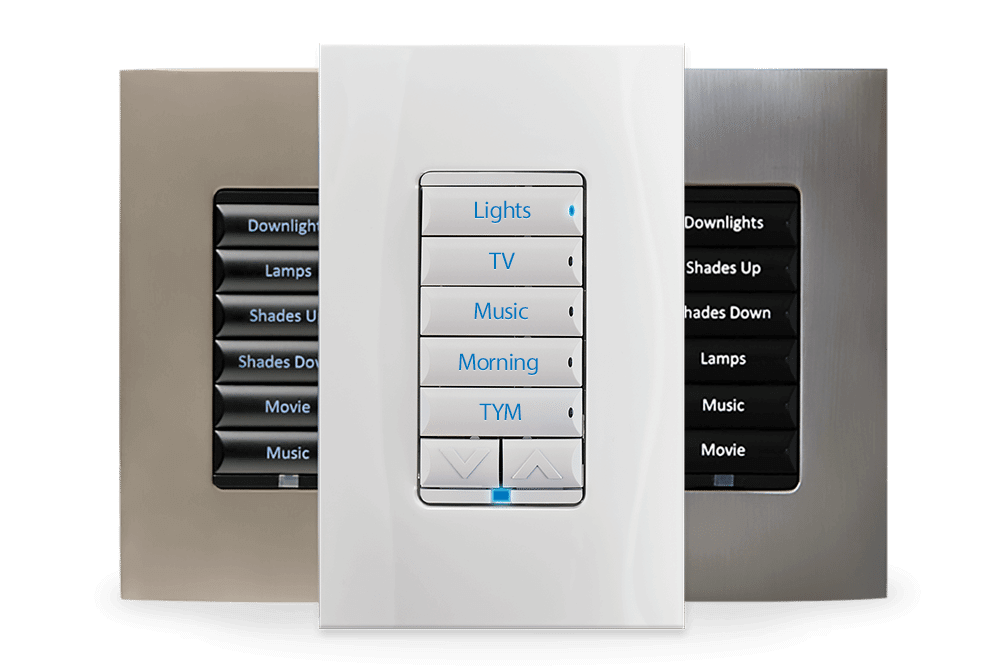
Smart lighting control allows homeowners to create preset scenes for different activities. Instead of adjusting several switches individually, one button can change multiple lights to the appropriate levels.
Useful lighting scenes may include:
-Welcome Home: Entry, hallway, and kitchen lights turn on together.
-Dinner: Dining and accent lights adjust to comfortable levels.
-Entertain: Gathering spaces, artwork, and architectural features are highlighted.
-Movie Night: Lights dim while pathways remain softly illuminated.
-Goodnight: Interior lights turn off while selected exterior lights remain on.
-Away: Lighting follows a predetermined schedule while the home is unoccupied.
Harmony AVL’s design approach emphasizes technology that supports the room without overwhelming its architecture or interior design. Lighting can also be integrated with shades, HVAC, security, entertainment, and other smart-home features.
Add Comfort and Privacy With Motorized Shades
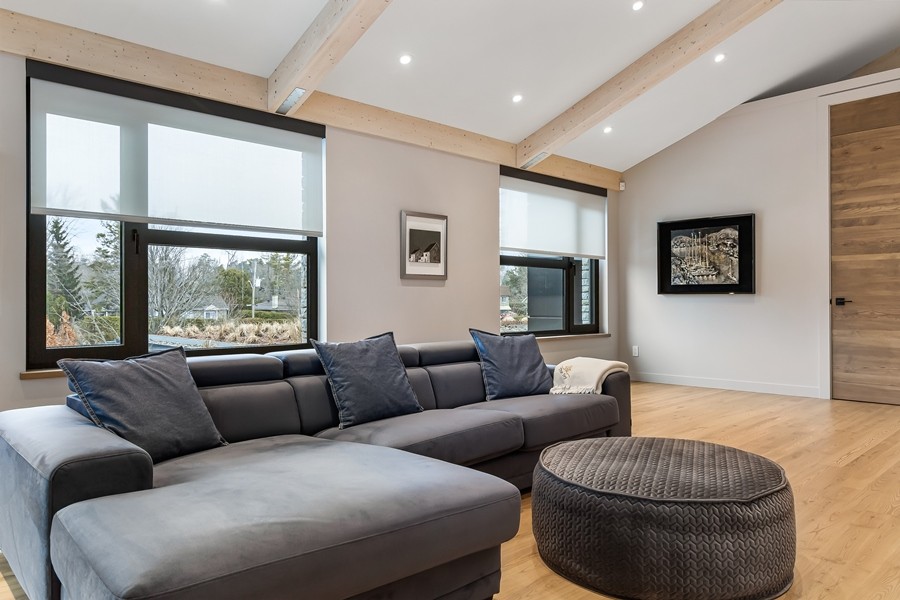
Asheville and Western North Carolina homes often feature large windows designed to capture mountain views and natural light. Those windows can also create glare, affect privacy, and make certain shades difficult to reach. Motorized shades allow homeowners to raise or lower window treatments with a remote, keypad, phone, or automated schedule. They can also become part of a broader home-automation scene.
For example, a movie setting could lower the shades, dim the lights, turn on the display, and activate the sound system. An evening setting could close selected shades for privacy while adjusting interior lighting.
Motorized shades are particularly useful for:
-Tall or hard-to-reach windows
-Large mountain-view windows
-Media rooms and home theaters
-Bedrooms
-Open-concept living areas
-Rooms affected by television glare
-Homes where clean, coordinated control is important
Make Holiday Entertaining Easier With Whole-Home Audio
Music helps define the atmosphere of a gathering, but portable speakers often create uneven coverage. One area may be too loud while another can barely hear the music.
A properly designed whole-home audio system distributes sound across selected rooms and outdoor areas. Homeowners can play the same music throughout the home or select different audio for different spaces.
Instead of placing one loud speaker in the center of a gathering, professionally positioned speakers provide more consistent coverage at comfortable listening levels.
Whole-home audio can support:– Dinner parties
-Family gatherings
-Holiday cooking
-Outdoor fires and patio evenings
-Game-day entertaining
-Overnight guests
-Quiet background music
-Special events and celebrations
The system should remain simple to use. Homeowners should be able to choose a room, select a source, and adjust the volume without navigating a complicated collection of apps.
Simplify TVs, Streaming, Audio, and Lighting
Adding technology without creating a control plan can make a home more frustrating. A television may have one remote, the sound system another, and the streaming device a third. Lighting and music may require separate phone applications. Guests may avoid using the system because they are concerned about changing the wrong setting.
Integrated control brings the most frequently used functions into one familiar interface. Depending on the system, that may be a handheld remote, wall keypad, touchscreen, phone, or tablet.
Simple controls can provide:
– One-touch television and streaming access
-Automatic input selection
-Room-by-room audio control
-Lighting and shade scenes
-Easy volume adjustment
-Guest-friendly operation
-Centralized equipment management
-Fewer visible devices and wires
The goal is not to create a home that feels more technical. The goal is to make the technology feel less noticeable.
Do Not Overlook Your Home Network
Modern audio, video, lighting, and automation systems depend on the home network. Streaming services, smart televisions, control applications, wireless speakers, and connected devices all require reliable communication.
A basic router may not provide consistent coverage across a larger home, a multi-level property, or outdoor living areas. Mountain-home construction materials and unusual layouts can introduce additional coverage challenges.
A professionally planned network may include distributed wireless access points and hardwired
connections for devices that require dependable performance. The home network is the backbone of the entertainment and automation experience, both indoors and outside.

October Smart Home Checklist for Asheville Homeowners:
Before holiday planning accelerates, review the following areas:
-Are your gathering spaces comfortably lit?
-Can lighting scenes be activated with one button?
-Do shades provide sufficient privacy after sunset?
-Is television glare a problem during the day?
-Can music play evenly throughout the home?
-Does WiFi work in every important room?
-Can outdoor areas connect reliably?
-Are your television and streaming controls easy to understand?
-Can family members and guests operate the system?
-Are visible wires and components distracting from the room?
-Does your media room need audio or video calibration?
-Are you relying on several disconnected apps?
If multiple items need attention, an integrated plan may be more effective than purchasing separate devices one at a time.
Frequently Asked Questions
What is smart home automation?
Smart home automation connects lighting, shades, audio, video, climate, and security so they can be controlled from a common interface or activated through programmed scenes and schedules.
What is smart lighting control?
Smart lighting control allows multiple lights to be adjusted from a keypad, remote, app, or schedule. Homeowners can create scenes for entertaining, dining, watching movies, leaving home, or going to bed.
Is smart lighting different from using smart bulbs?
Yes. Smart bulbs typically control individual fixtures. A professionally designed system can coordinate multiple circuits, keypads, scenes, schedules, and other home systems through a consistent interface.
Can smart lighting be added to an existing Asheville home?
In many cases, yes. The appropriate solution depends on the home’s wiring, fixtures, construction, network, and desired level of integration. A site evaluation can identify practical retrofit options.
What are motorized shades?
Motorized shades are window treatments that open and close using a powered mechanism. They may be controlled by a remote, keypad, app, schedule, or integrated smart-home command.
Can motorized shades help reduce television glare?
Yes. Motorized shades can be lowered when direct sunlight creates glare on a television or projection screen. They can also be incorporated into a movie or television scene.
Can lighting and shades work together?
Yes. Integrated systems can adjust lights and shades through one command. An evening scene, for example, could close selected shades and activate comfortable interior lighting simultaneously.
What is a smart home scene?
A smart home scene is a preset command that coordinates several actions. A Movie Night scene might lower shades, dim lights, turn on the display, select the correct source, and activate the audio system.
Do smart home systems require internet access?
Some connected services require internet access, while many local controls may continue operating within the home. Specific capabilities depend on the system design, equipment, and network configuration.
Why is professional WiFi important for home automation?
Reliable WiFi supports control apps, streaming devices, televisions, audio systems, and connected technology. Weak coverage can create slow responses, buffering, dropped connections, and inconsistent operation.
Can whole-home audio play different music in different rooms?
Yes. A properly configured multi-zone audio system can play different sources in different rooms or synchronize selected areas to play the same music throughout the home.
Can an existing home theater be upgraded?
Yes. Existing theaters and media rooms can often be improved through new displays, projectors, speakers, acoustic treatments, equipment, controls, networking, or professional calibration.
Is a smart home difficult for guests to use?
It should not be. A well-designed system provides clear, consistent controls for common activities. Guest-friendly presets can make watching television, playing music, and adjusting lights easier.
When should smart home technology be planned for a new home?
Planning should begin before wiring, insulation, and drywall are completed whenever possible. Early coordination creates more options for hidden wiring, speaker placement, equipment, lighting, shades, and network infrastructure.
Can smart home technology remain visually discreet?
Yes. Speakers, wiring, equipment, controls, displays, and networking components can be selected and positioned to preserve the home’s architecture and interior design.
How much does a smart home system cost?
Cost depends on the home, number of rooms, selected systems, wiring requirements, equipment, and customization. A consultation and site evaluation are the most reliable ways to establish an appropriate project scope.
What should I upgrade first?
Begin with the problem that affects daily life most, such as unreliable WiFi, confusing television controls, poor lighting, uneven audio, or difficult-to-reach shades. A larger plan can allow upgrades in phases.
Prepare Your Asheville Home for the Season Ahead
October is a natural time to make the home feel warmer, easier to use, and better prepared for
entertaining. Smart lighting can change the atmosphere of a room. Motorized shades can improve privacy and control glare. Whole-home audio can bring music into every gathering space, while reliable networking helps the entire system perform consistently.
Harmony AVL designs and installs customized home technology for homeowners who value performance, aesthetics, and ease of use.
Contact Harmony AVL to schedule a consultation and start planning your smart lighting, home
automation, audio, video, networking, or motorized-shade project.

Recent Comments